Documentation Index
Fetch the complete documentation index at: https://openmetadata-feat-feat-2mbfixdeploy.mintlify.app/llms.txt
Use this file to discover all available pages before exploring further.
Add Complex Queries using Advanced Search
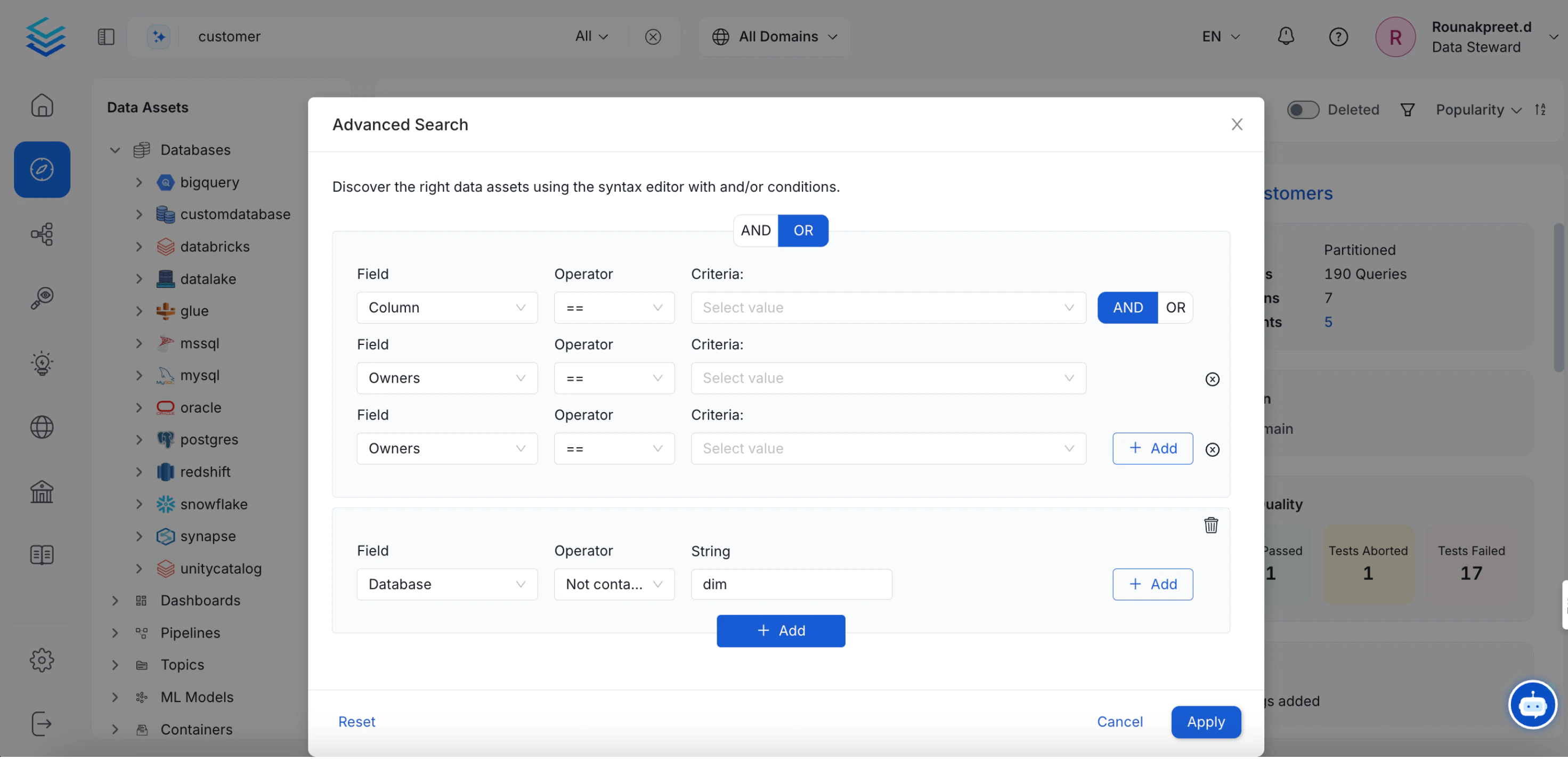
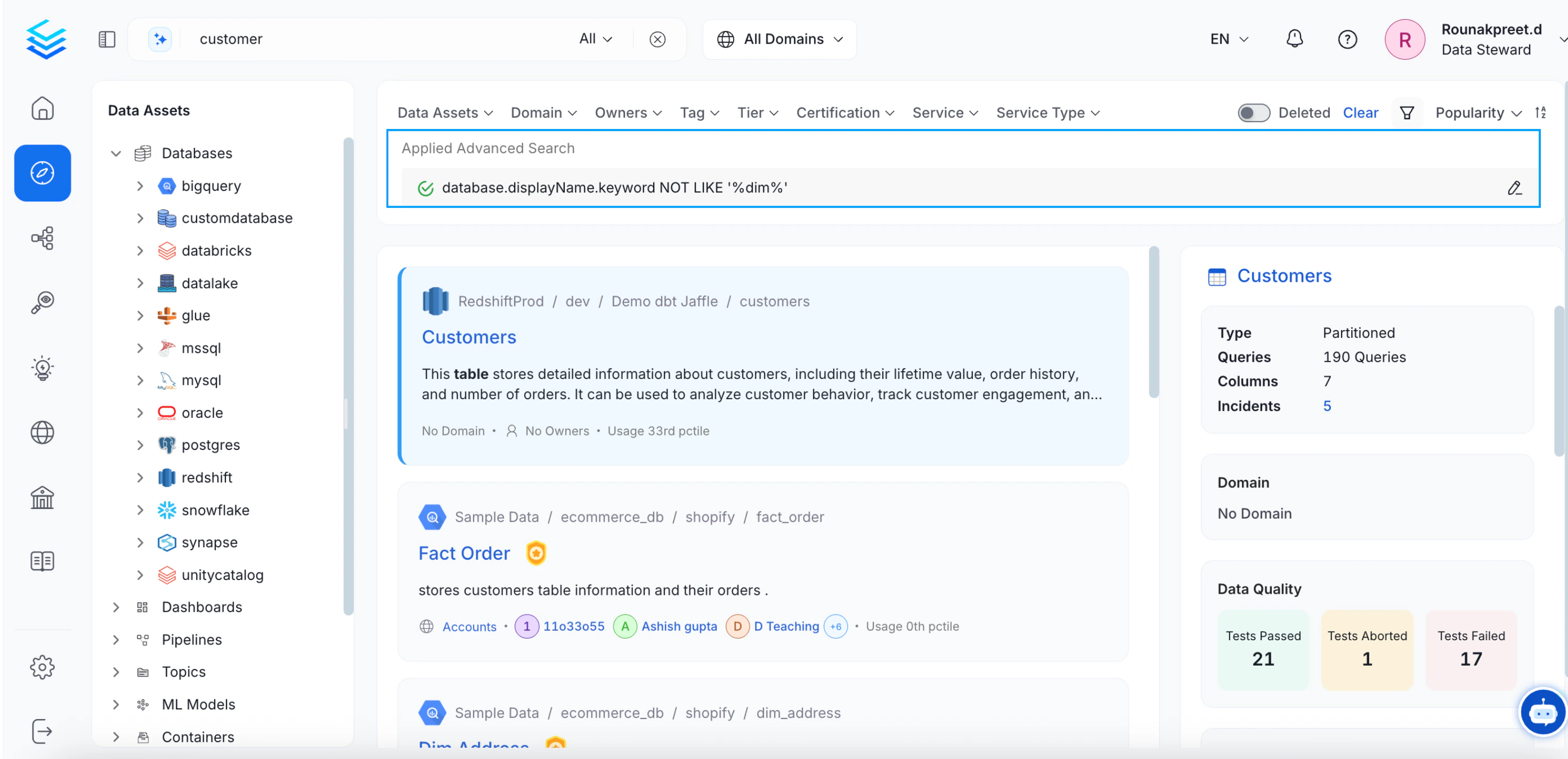
In case of voluminous data, the advanced search option helps to narrow down the search results for data discovery. The query builder supports multiple conditions as well as grouped conditions to simplify search. To use the advanced search for complex queries:- Navigate to the Explore page and click on the Advanced option on the top right
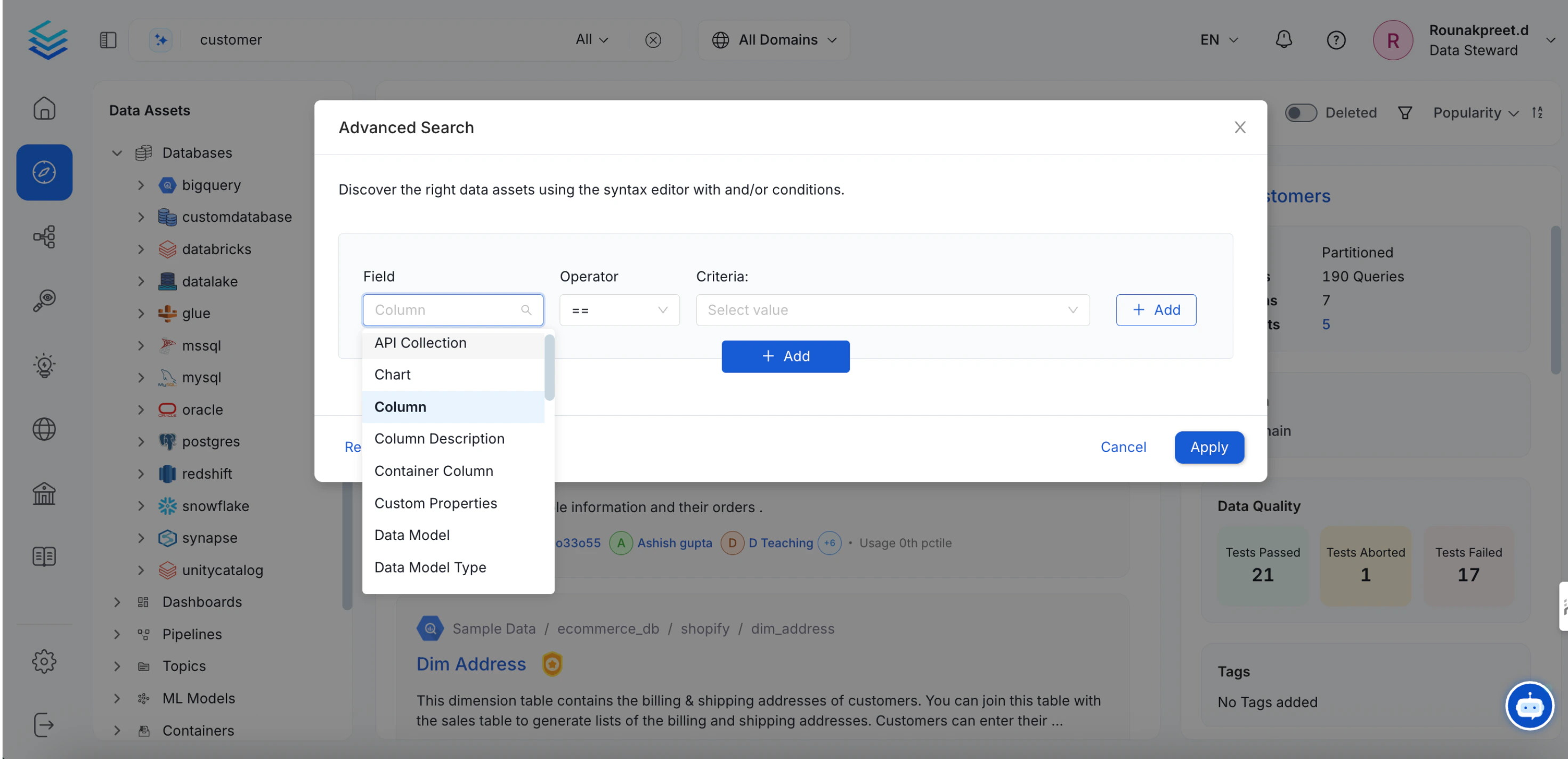
- Using the Syntax Editor, select the Field you would like like to search by. Currently, the following fields are supported: Deleted, Owner, Tags, Tier, Service, Database, Database Schema, and Column.
- Select the required Conditions for your query. The following fields are supported: Equal to, Not equal to, Any in, Not in, Contains, and Does not contain. The conditions will vary based on the field selected.
- Add in the values for the Criteria.
- You can add multiple conditions and group the conditions together.
- Use the AND/OR conditions. Select
ANDto ensure that all the conditions are satisfied. SelectORto ensure that any one of the conditions is satisfied.
- Group one set of conditions together by defining the
Owner. You can add multiple conditions to define different owners and use theORcondition to ensure that the owner is any one among them.
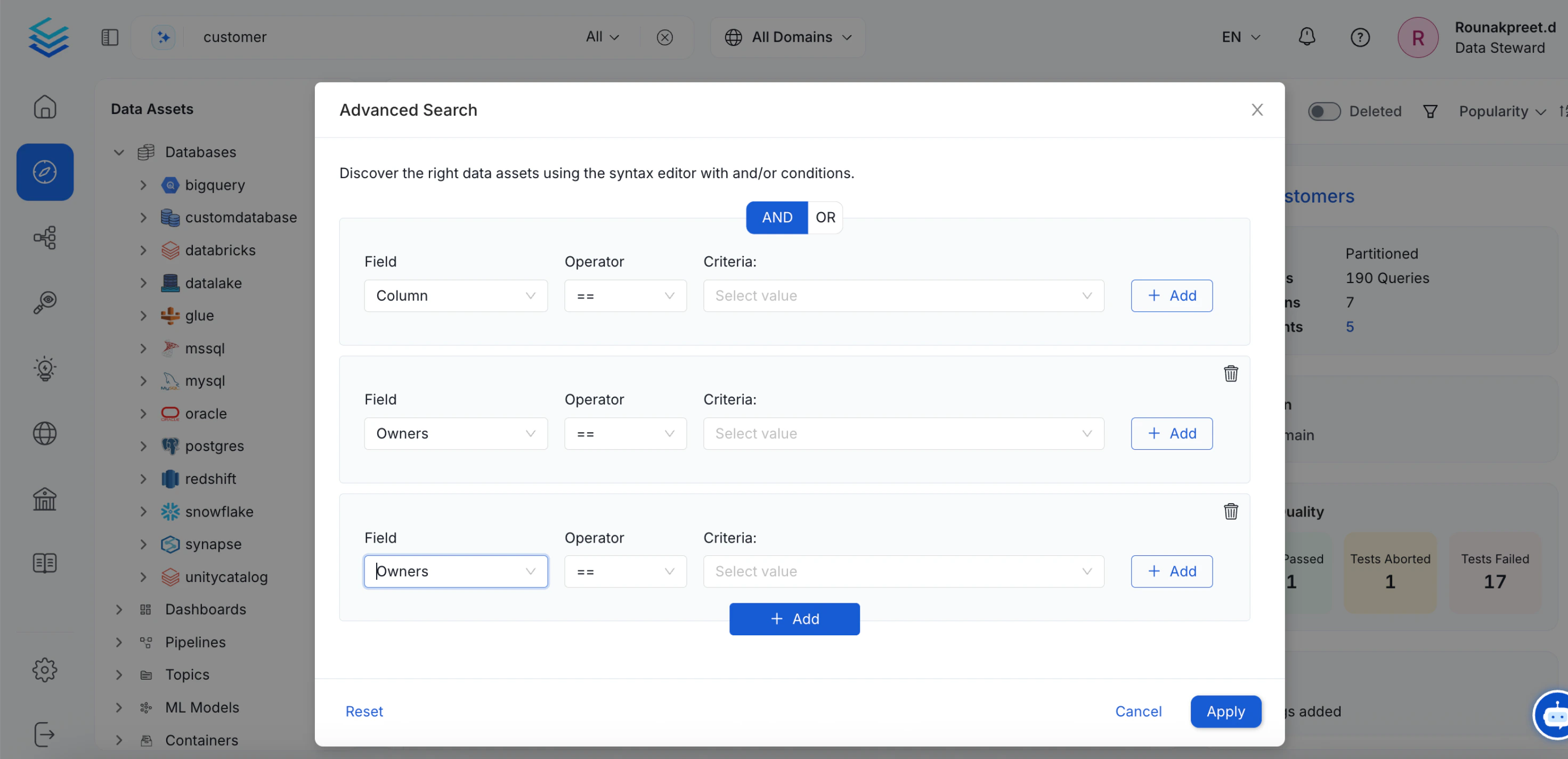
- Next, you can add another set of conditions specific to the data based on the Service, Database, Schema, or Columns. Apply the conditions to search.