Documentation Index
Fetch the complete documentation index at: https://openmetadata-feat-feat-2mbfixdeploy.mintlify.app/llms.txt
Use this file to discover all available pages before exploring further.
Ingest Glossary from dbt
Ingest the table and column level glossary terms frommanifest.json file
Requirements
Steps for ingesting dbt Glossary
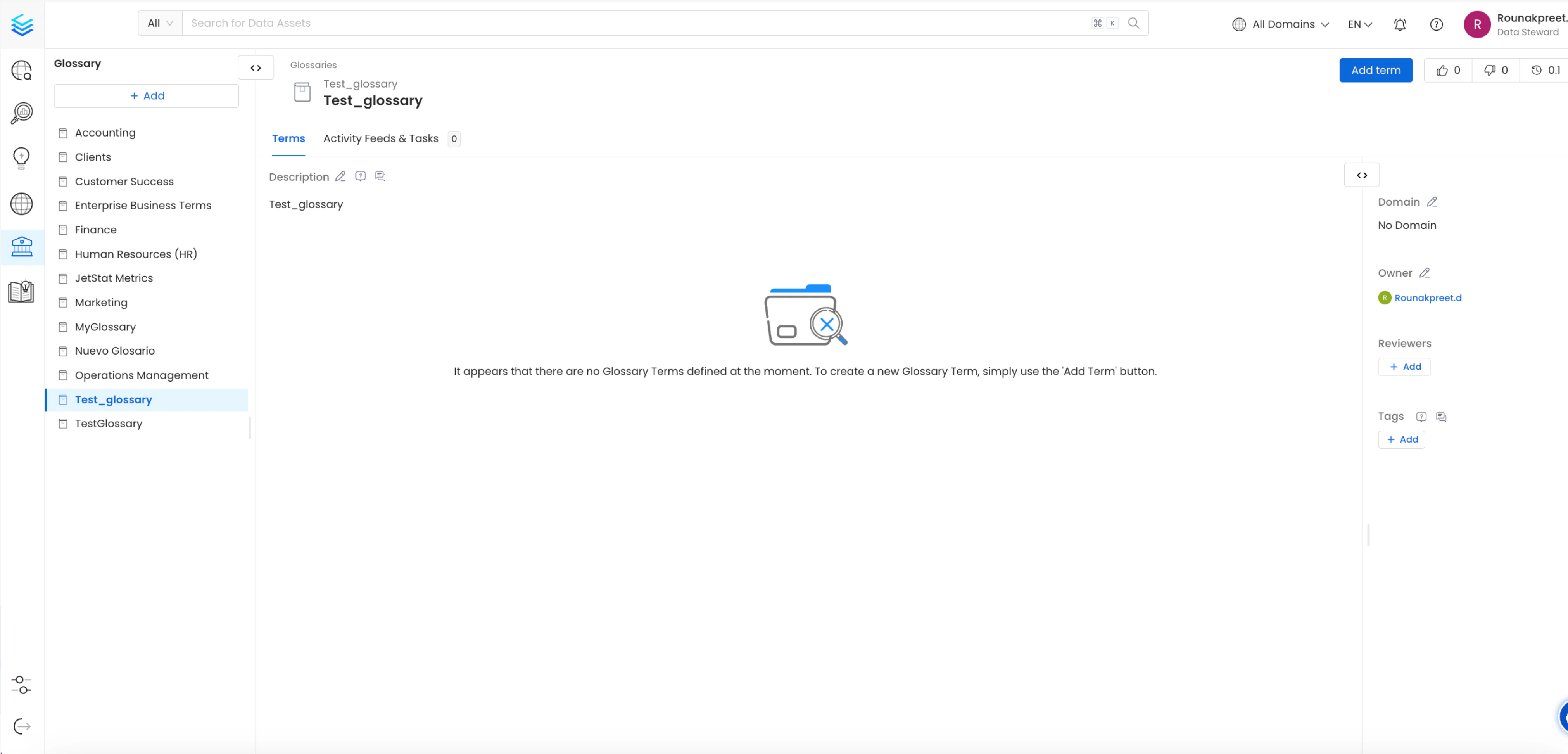
1. Create a Glossary at OpenMetadata or Select a previously added glossary
A Glossary Term is a preferred terminology for a concept. In a Glossary term, you can add tags, synonyms, related terms to build a conceptual semantic graph, and also add reference links. For details on creating glossary terms, refer to the OpenMetadata documentation To view created Glossary Terms, navigate to the Glossary section within OpenMetadatagovern->glossary->glossary_name->glossary_term_name
OpenMetadata also supports creating nested Glossary Terms, allowing you to organize them hierarchically and seamlessly ingest them into dbt.
2. Add Table-Level Glossary term information in schema.yml file
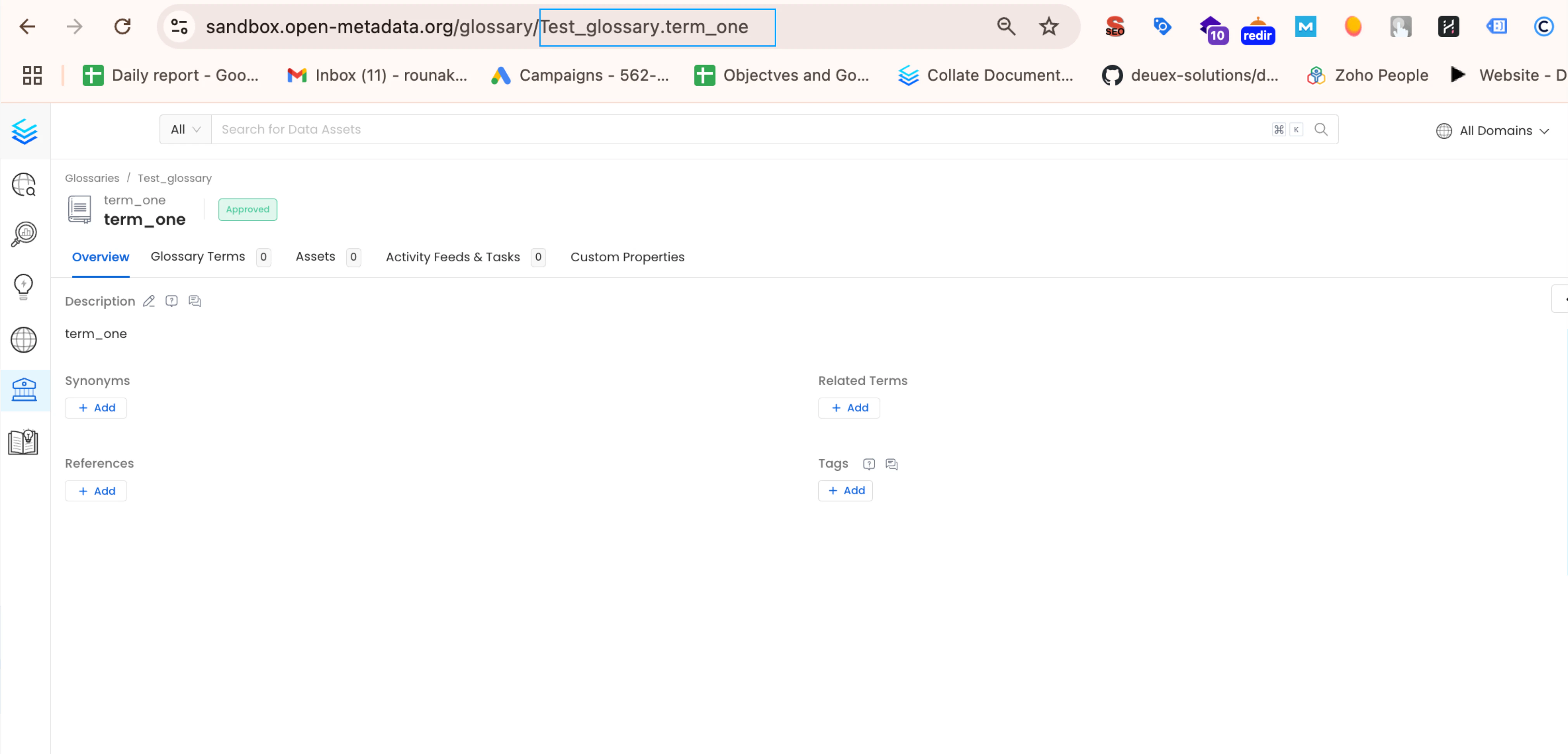
To associate glossary terms with specific tables in your dbt model, you’ll need their Fully Qualified Names (FQNs) within OpenMetadata.Steps to Get Glossary Term FQNs:
- Navigate to the desired glossary term in OpenMetadata’s glossary section.
- The glossary term’s details page will display its FQN e.g.
Glossary_name.glossary_termin the url likeyour-uri/glossary/Glossary_name.glossary_term.
Example
Suppose you want to add the glossary termsterm_one (FQN: Test_Glossary.term_one) and more_nested_term (FQN: Test_Glossary.term_two.nested_term.more_nested_term) to the customers table in your dbt model.
To get FQN for term_one (Test_Glossary.term_one), navigate to govern->glossary->Test_Glossary->term_one.
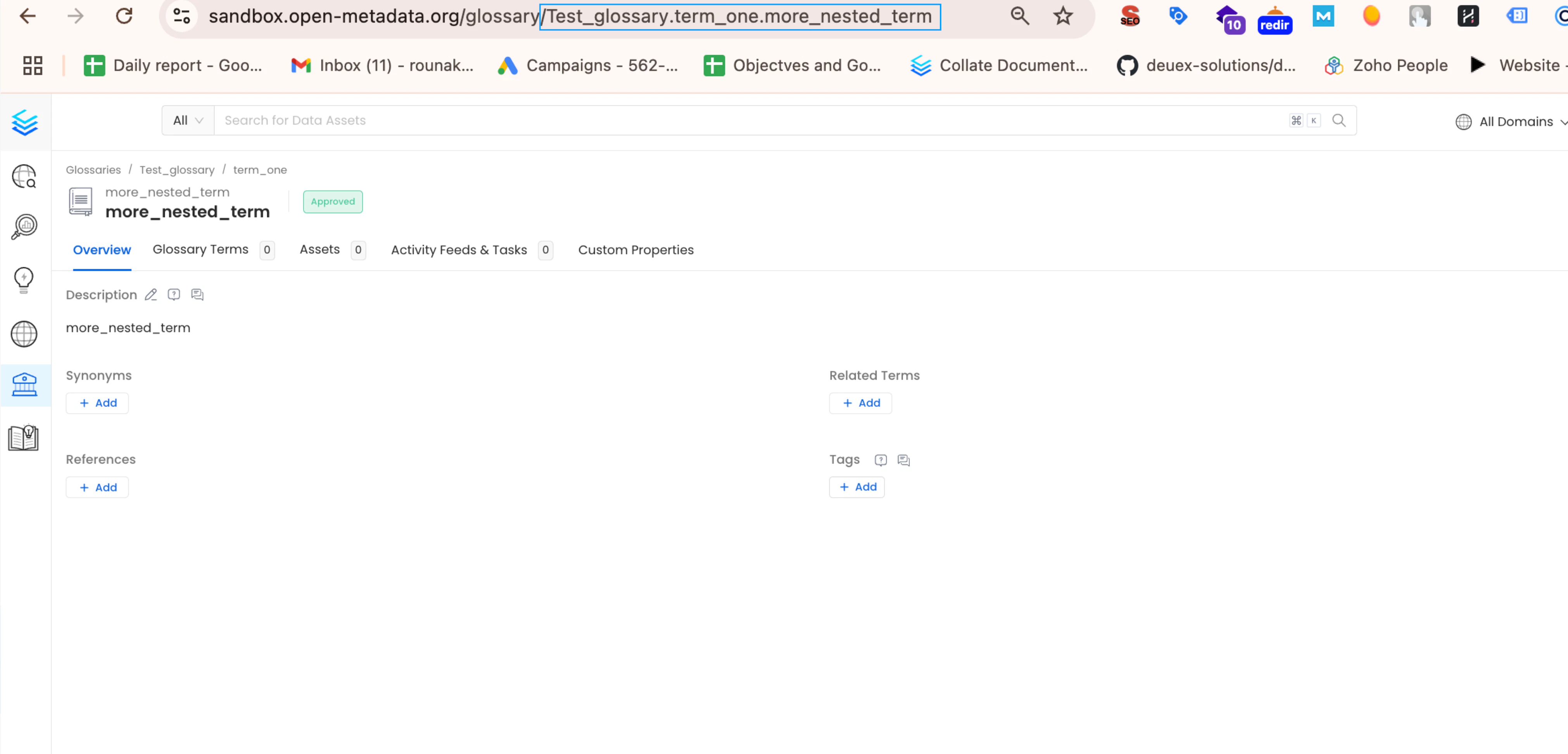
And for more_nested_term (Test_Glossary.term_two.nested_term.more_nested_term), navigate to govern->glossary->Test_Glossary->term_two->nested_term->more_nested_term.
you can see the current url containing the glossary term FQNs as https://localhost:8585/glossary/`Test_Glossary.term_two.nested_term.more_nested_term`
customers table model, add the Glossary Term FQNs under model->name->meta->openmetadata->glossary
The format should be a list of strings, like this: [ 'Test_Glossary.term_one', 'Test_Glossary.term_two.nested_term.more_nested_term' ].
For details on dbt meta follow the link here
manifest.json file will then include the FQNs under node_name->meta->openmetadata->glossary as [ 'Test_Glossary.term_one', 'Test_Glossary.term_two.nested_term.more_nested_term' ]
3. Add Column-Level Glossary term information in schema.yml file
To associate a glossary term with a specific column in your dbt model, follow these steps:
- Locate the
customer_idcolumn within thecustomerstable model in yourschema.ymlfile. - Under the
customer_idcolumn definition, add the glossary term FQNs undermodel->name->columns->column_name->meta->openmetadata->glossaryas[ 'Test_Glossary.term_two.nested_term' ].
manifest.json file will then include the FQNs under node_name->columns->column_name->meta->openmetadata->glossary as [ 'Test_Glossary.term_two.nested_term' ]
4. Viewing the Glossary term on tables and columns
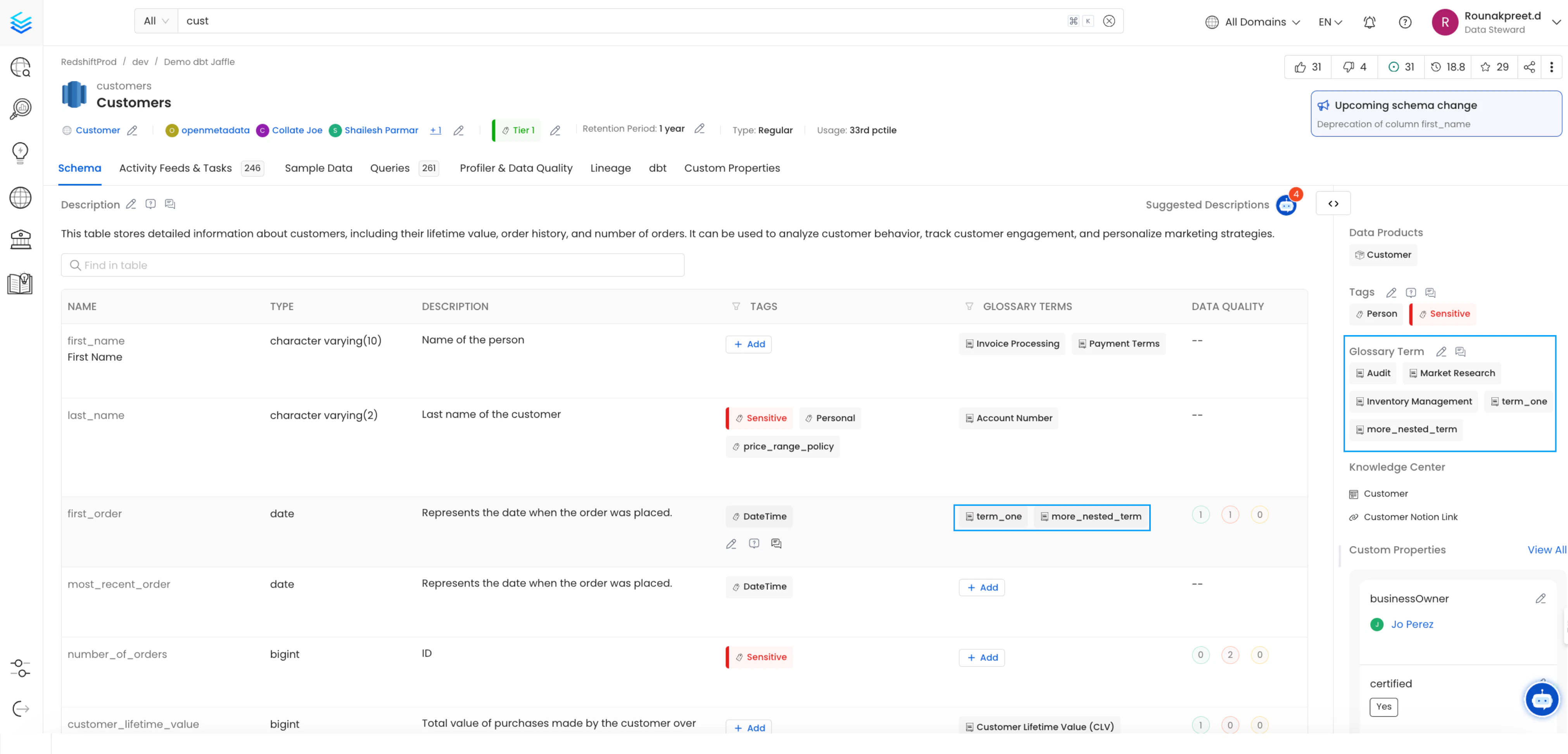
Table and Column level Glossary term ingested from dbt can be viewed on the node in OpenMetadata