Documentation Index
Fetch the complete documentation index at: https://openmetadata-feat-feat-2mbfixdeploy.mintlify.app/llms.txt
Use this file to discover all available pages before exploring further.
Ingest Owner from dbt
Ingest the model/table owner information from dbtmanifest.json or catalog.json file into openmetadata tables.
The owner can be a user or a team in OpenMetadata.
Follow the link here to add the owner to the dbt project’s schema.yml file
Requirements
1. Owner information in manifest.json file
Openmetadata fetches the owner information from themanifest.json file. Below is a sample manifest.json file node containing owner information under node_name->metadata->owner.
2. Owner information in catalog.json file
Openmetadata fetches the owner information from thecatalog.json file. Below is a sample catalog.json file node containing owner information under node_name->metadata->owner.
3. Adding the User or Team to OpenMetadata
The user or team which will be set as the entity owner should be first created in OpenMetadata. While linking the owner frommanifest.json or catalog.json files to the entity, OpenMetadata first searches for the user if it is present. If the user is not present it searches for the team.
4. Adding Multiple Owners to dbt Models
OpenMetadata allows you to define multiple owners (users or teams) for dbt models through theowner field under meta.openmetadata in your schema.yml configuration. This helps reflect shared ownership and collaborative accountability on data assets.
Example Configuration
Guidelines
- Owner Field: Provide a list of users or team identifiers under owner.
- User Validation: Ensure the specified owners (e.g., John Doe, jane@gmail.com) exist in OpenMetadata as valid user or team entities.
- Overwrite Behavior: Use the dbtUpdateOwners parameter in your ingestion configuration to control whether this list overwrites existing owners or only applies to unowned assets.
Following steps shows adding a User to OpenMetadata:
1. Click on theUsers section from homepage
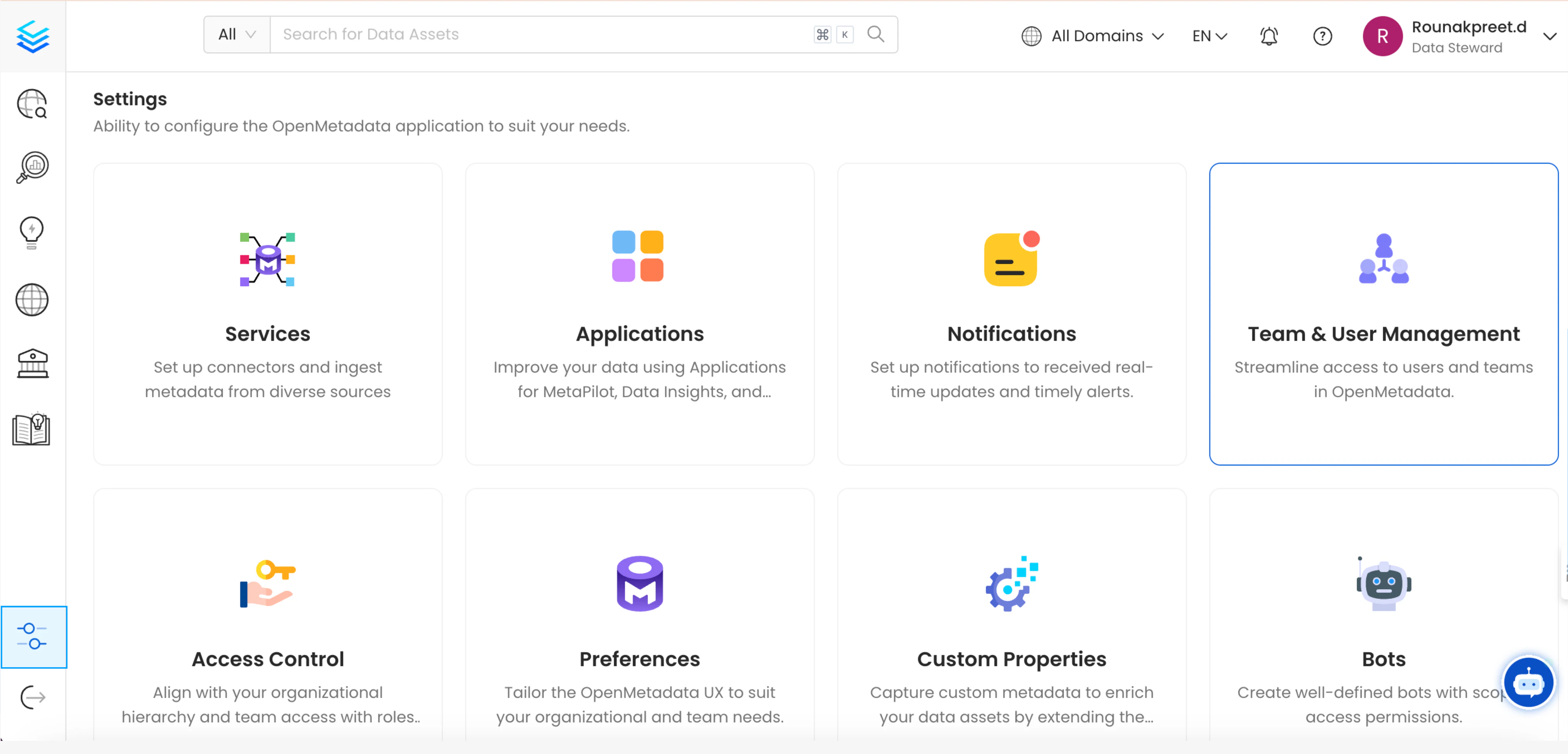
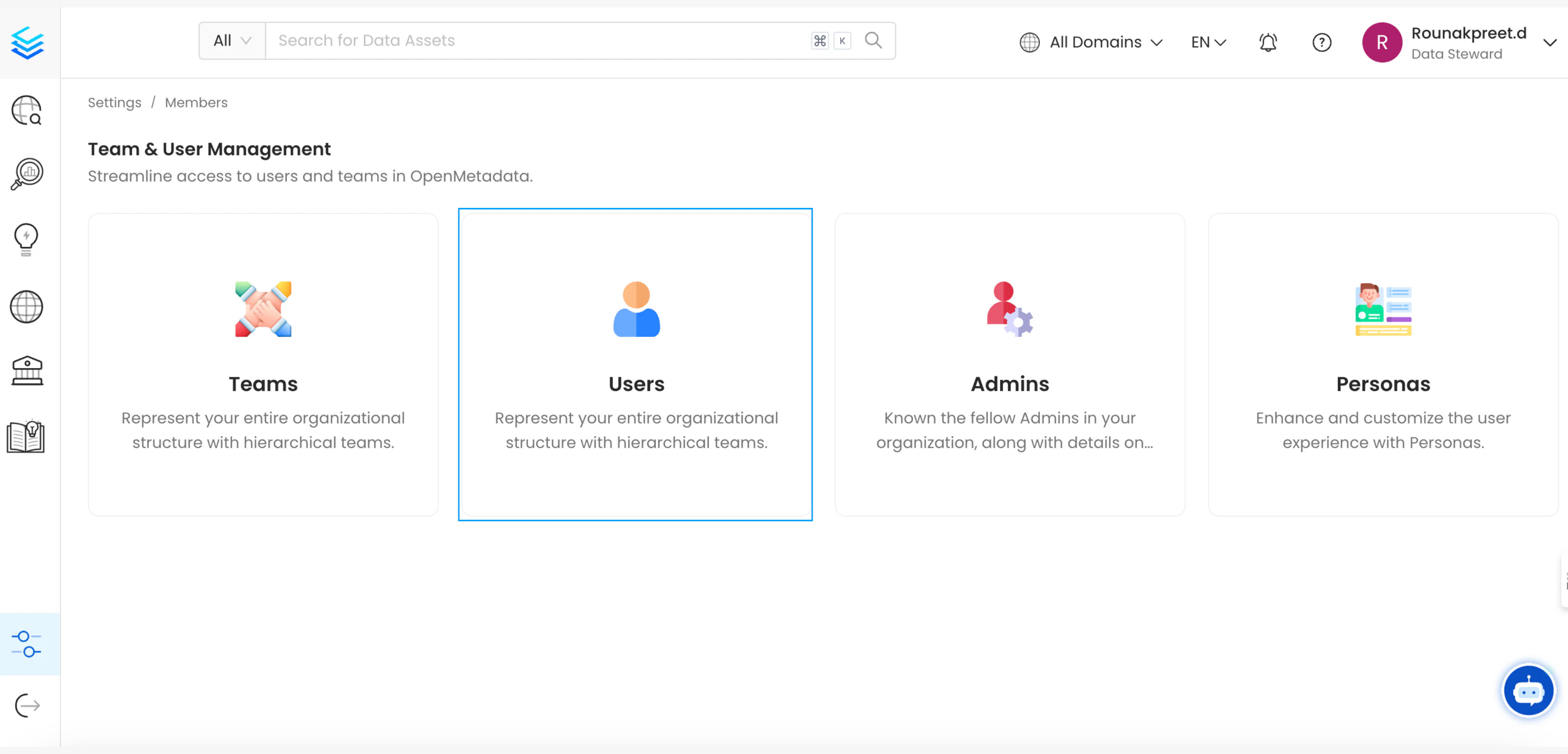
Add User button
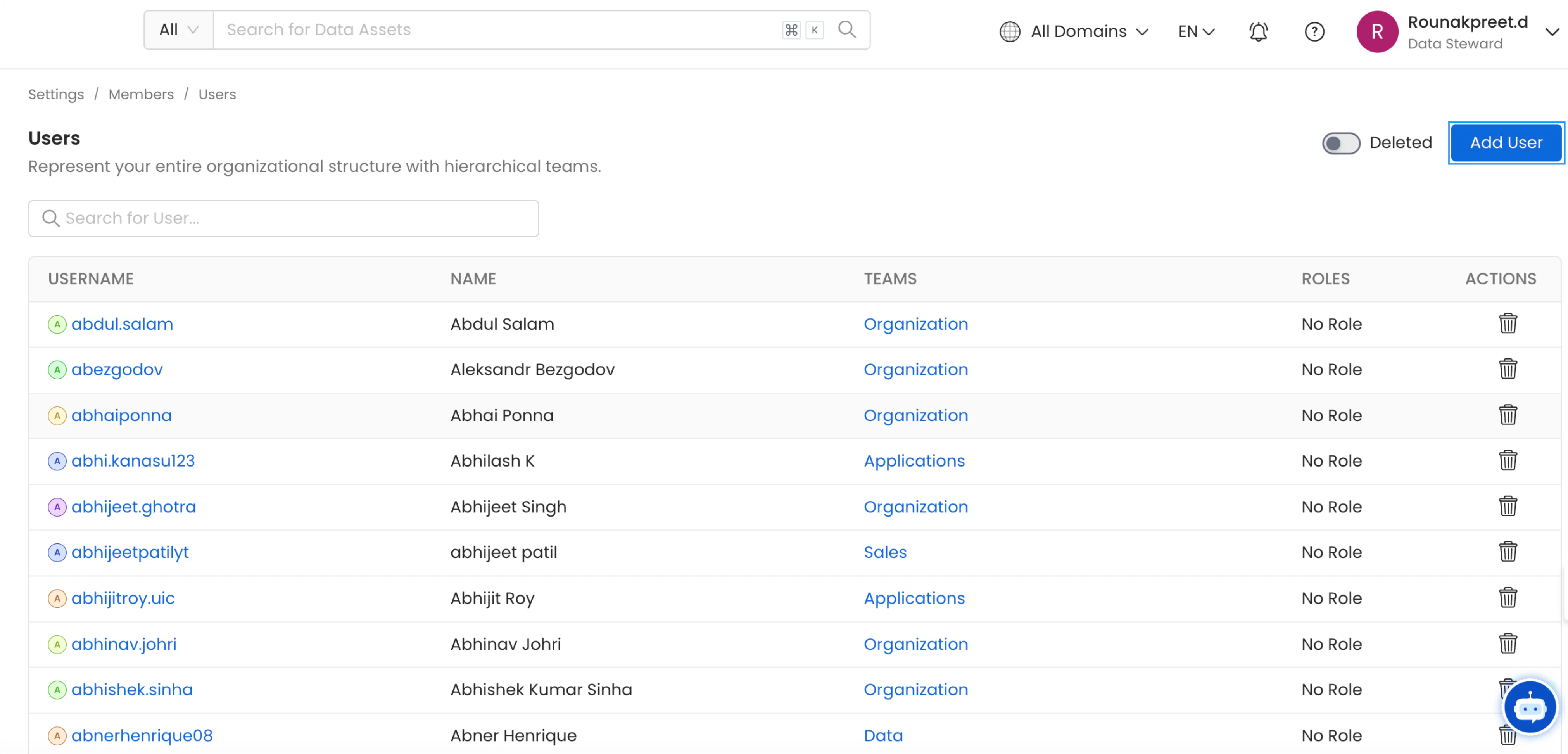
- Enter the details as shown for the user
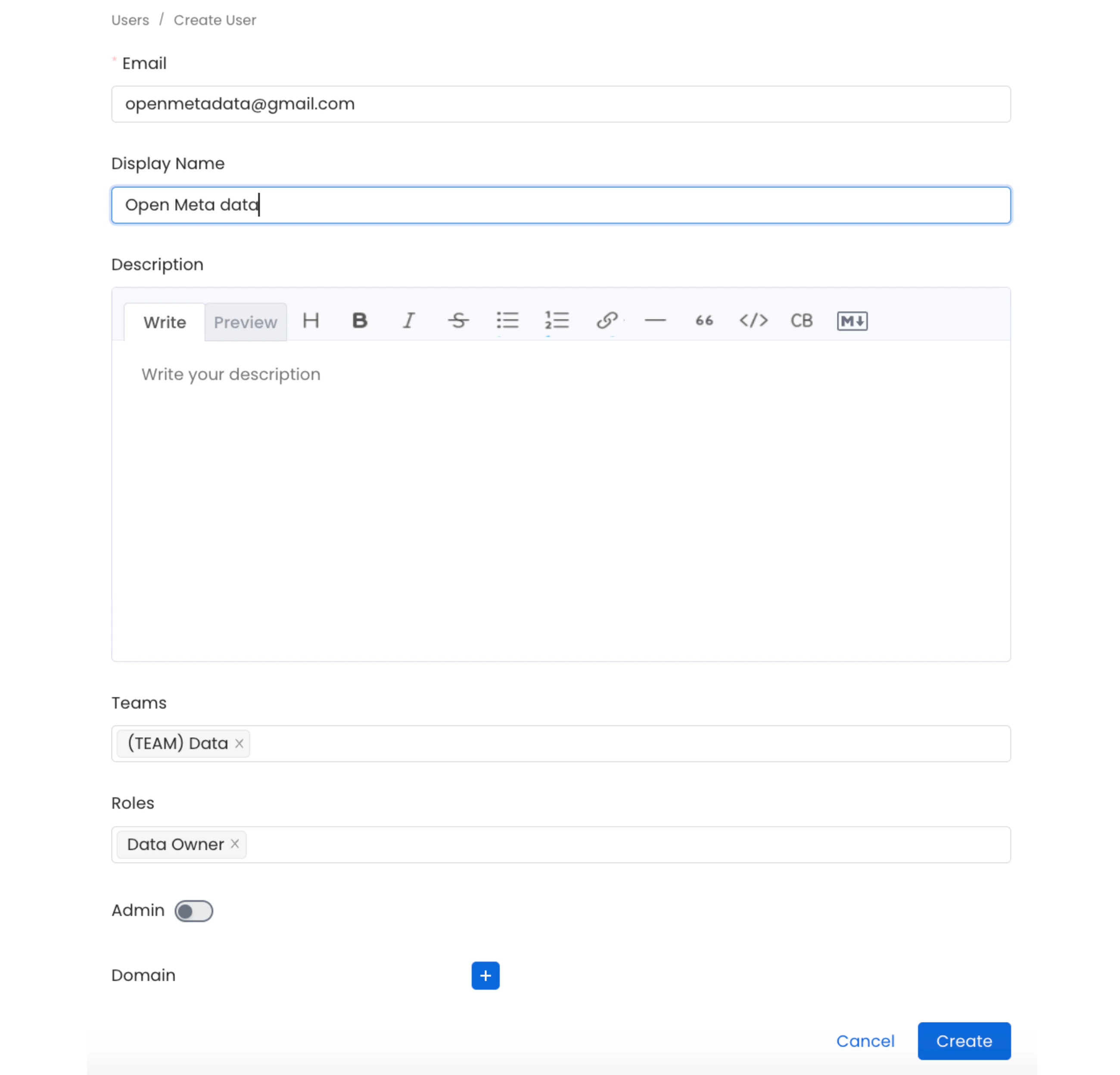
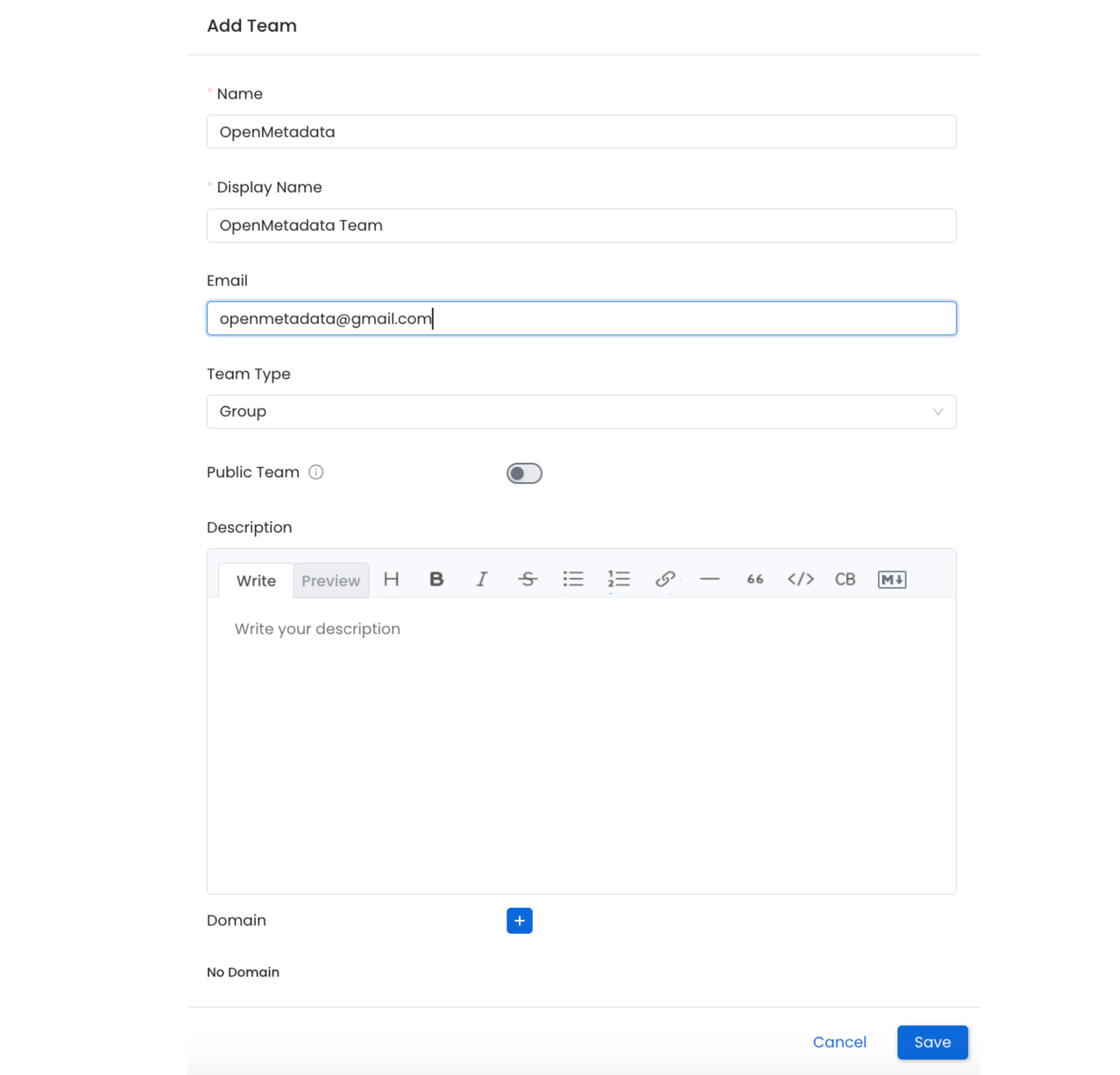
Following steps shows adding a Team to OpenMetadata:
1. Click on theTeams section from homepage
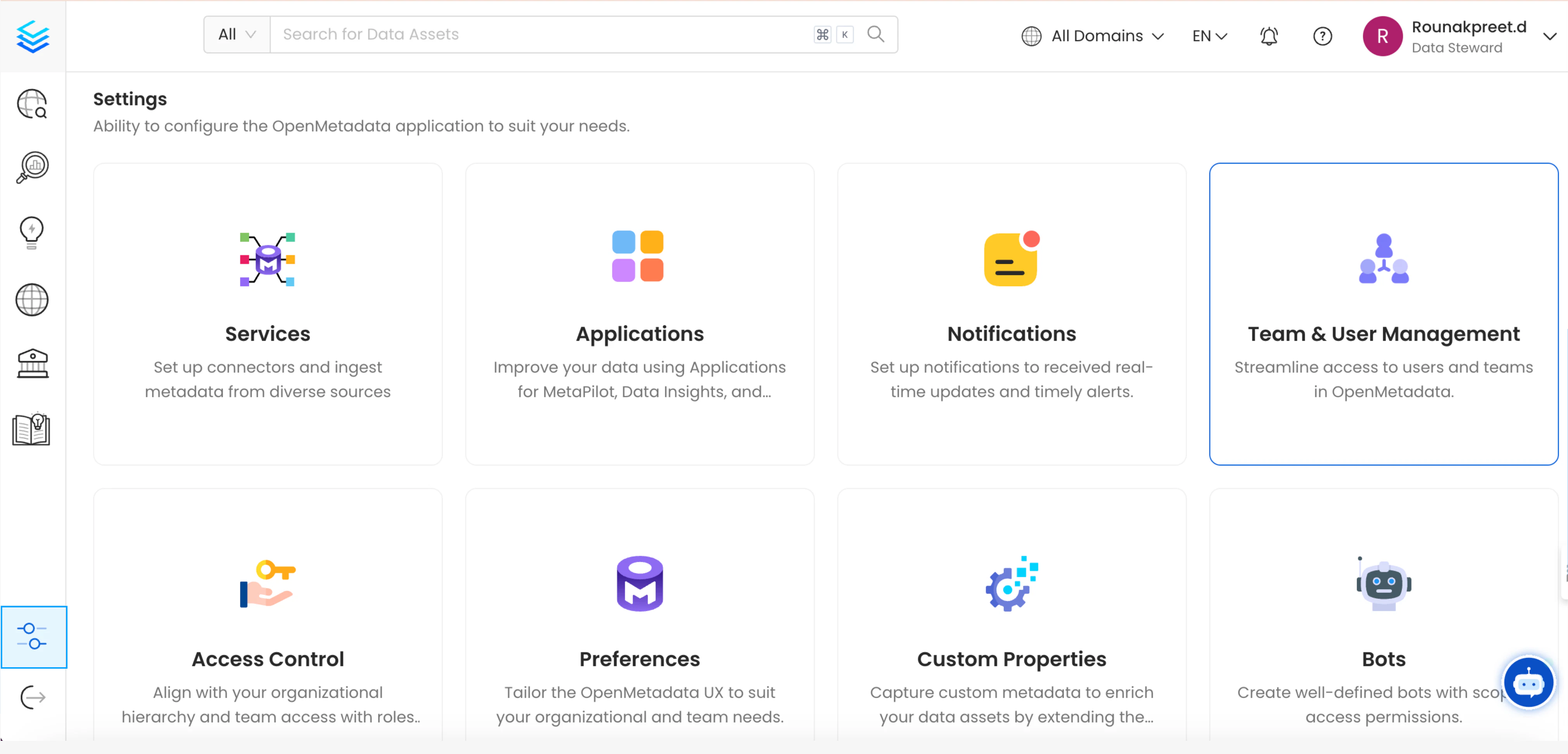
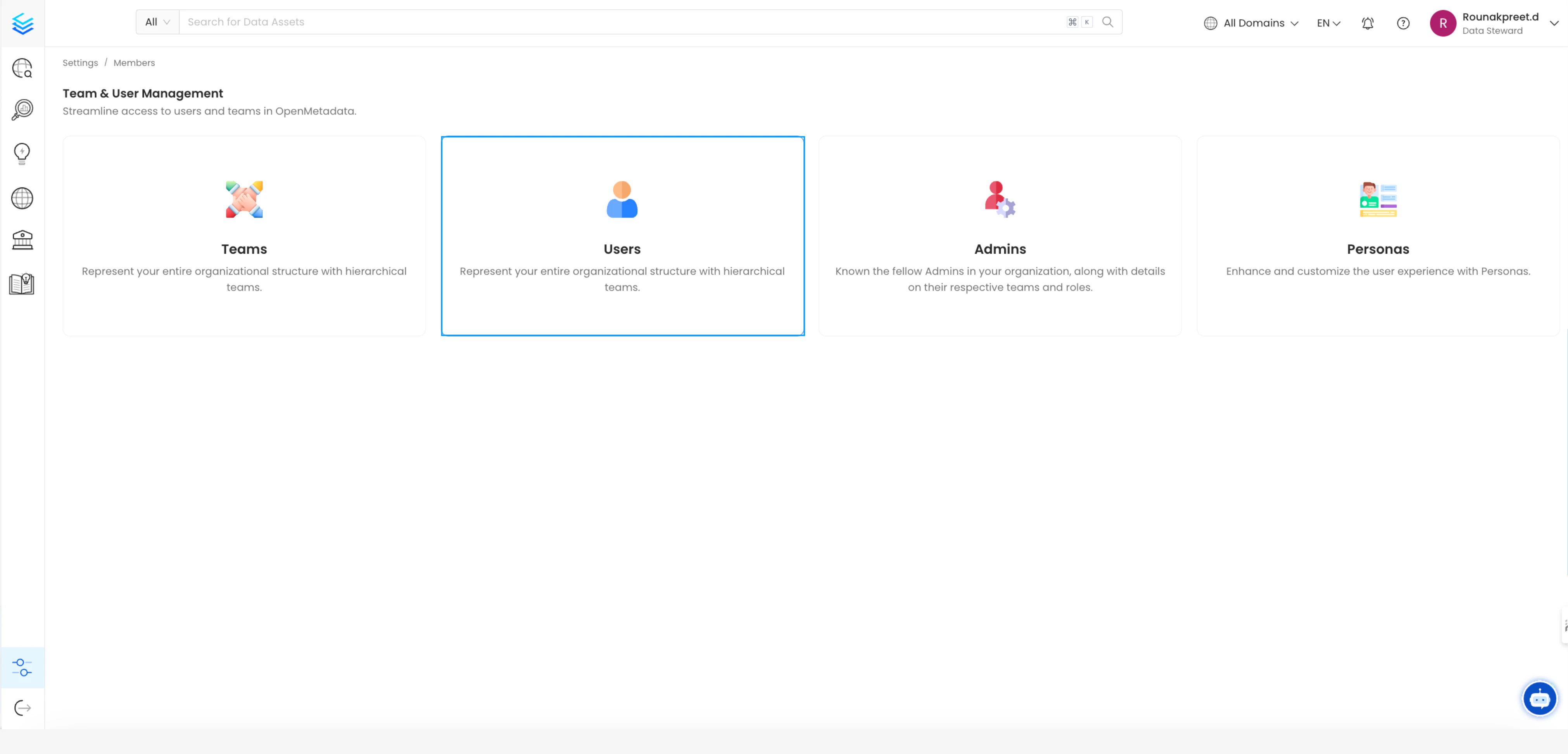
Add Team button
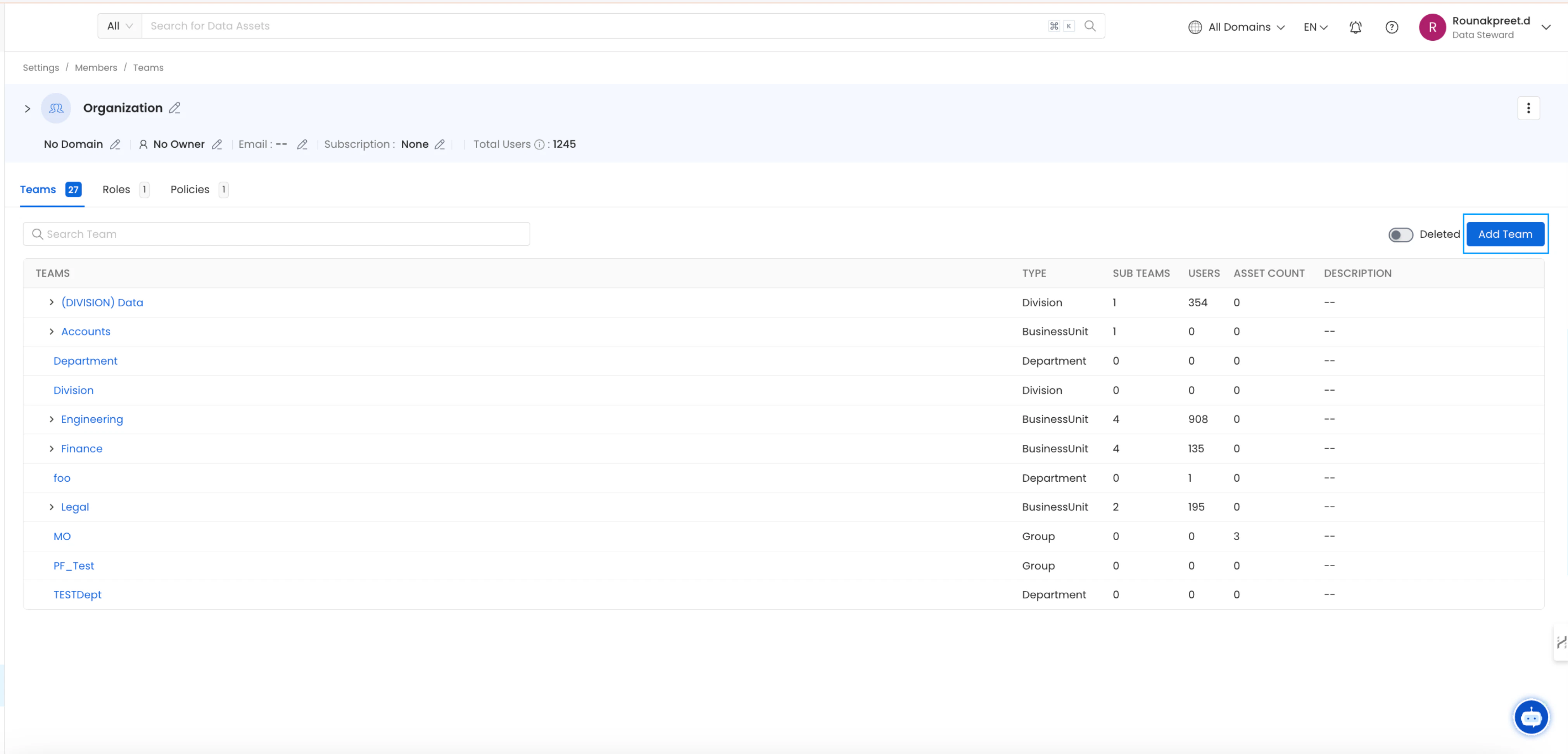
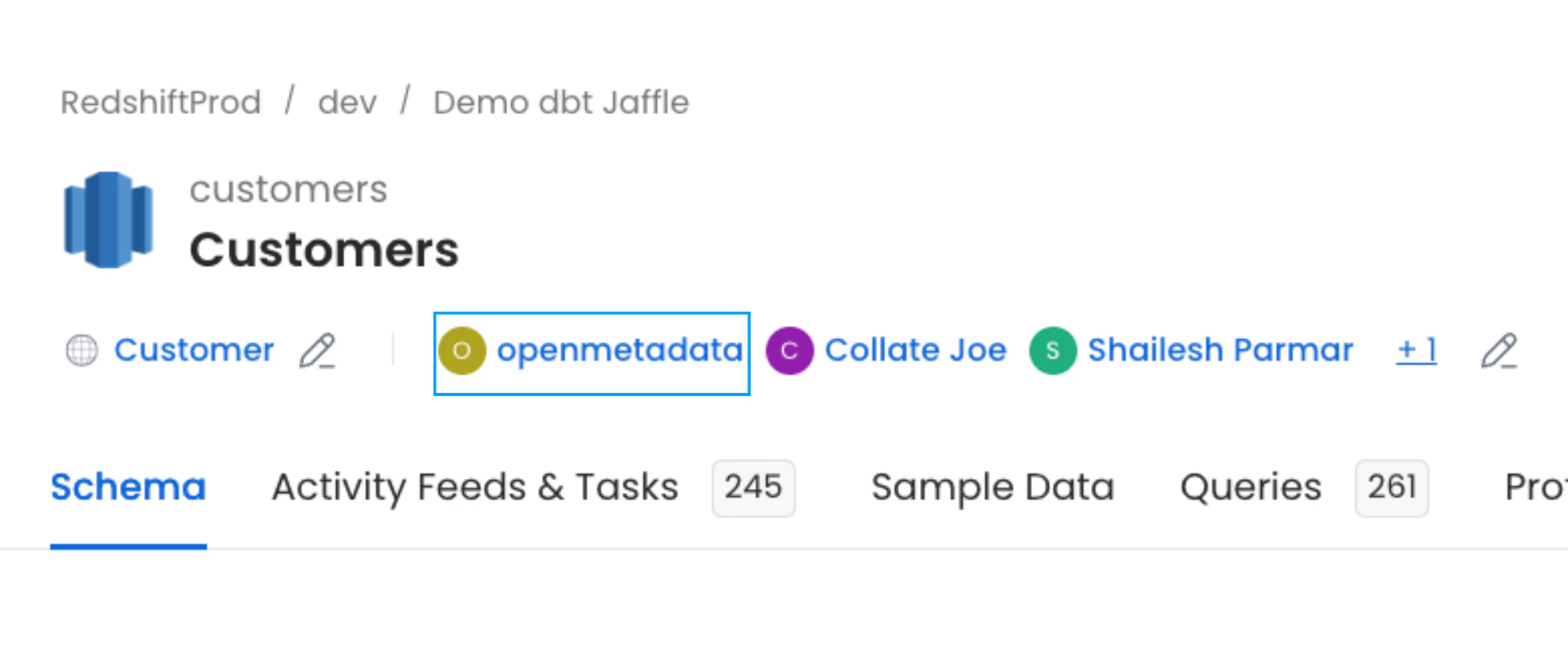
Linking the Owner to the table
After running the ingestion workflow with dbt you can see the created user or team getting linked to the table as it’s owner as it was specified in themanifest.json or catalog.json file.
Overriding the existing table Owners
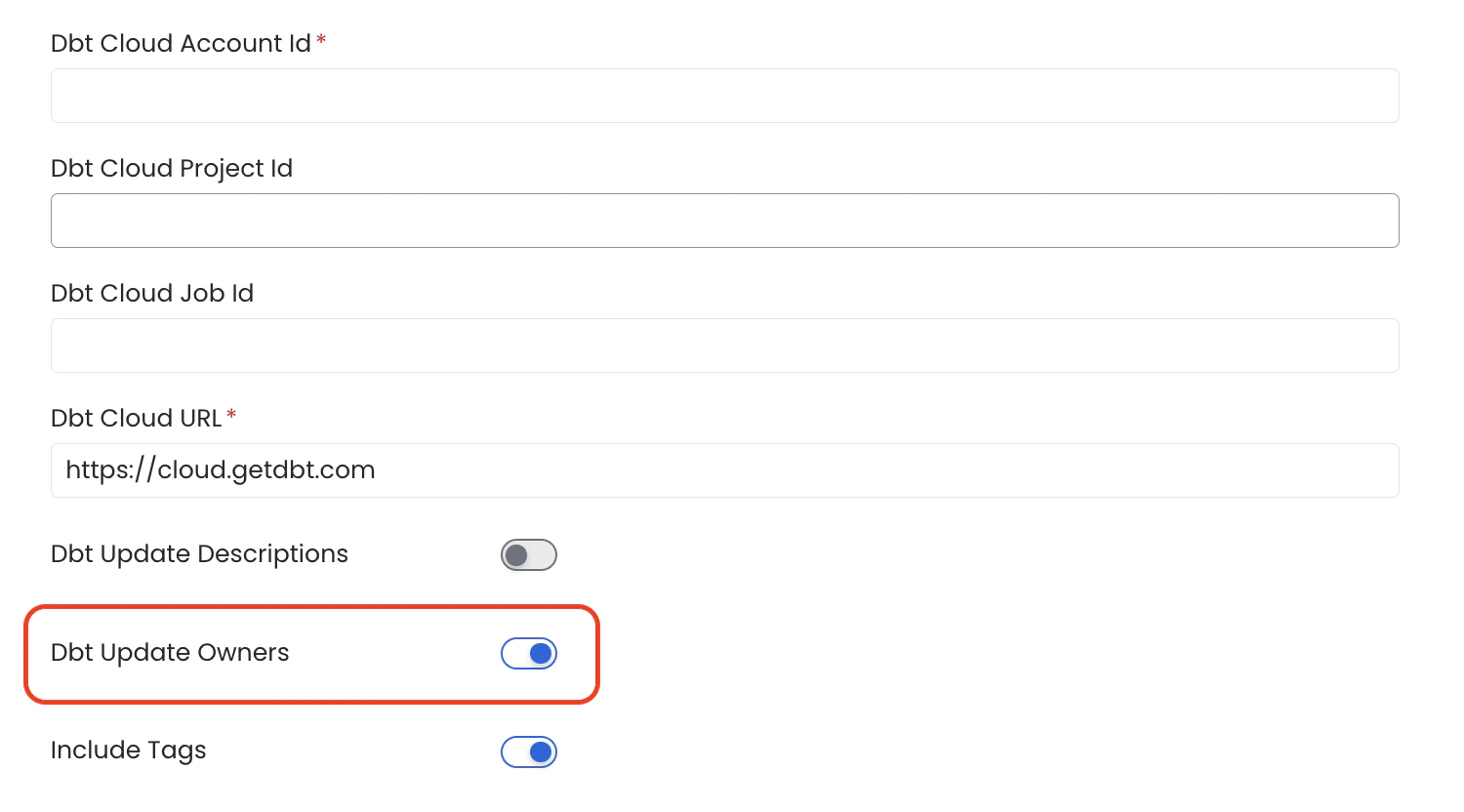
To establish a unified and reliable system for owners, a single source of truth is necessary. It either is directly OpenMetadata, if individuals want to go there and keep updating, or if they prefer to keep it centralized in dbt, then we can always rely on that directly. When theUpdate Owners toggle is enabled during the configuration of dbt ingestion, existing owners of tables will be overwritten with the dbt owners.
If toggle is disabled during the configuration of dbt ingestion, dbt owners will only be updated for tables in OpenMetadata that currently have no owners. Existing owners will remain unchanged and will not be overwritten with dbt owners.