
Documentation Index
Fetch the complete documentation index at: https://openmetadata-feat-feat-2mbfixdeploy.mintlify.app/llms.txt
Use this file to discover all available pages before exploring further.
OpenMetadata Server
Learn how to run the OpenMetadata server in development mode by using Docker and IntelliJ.Prerequisites
- For an easy installation of MySQL and ES, just install Docker on your local machine and run the following commands from the top-level directory
- For an easy installation of PostgreSQL and ES, just install Docker on your local machine and run the following commands from the top-level directory
Building
The following commands must be run from the top-level directory.Create a distribution (packaging)
You can create a distribution as follows.Bootstrap Database
Extract the distribution tar.gz file created on the previous step and run the following commandRunning the OpenMetadata server
You can run the OpenMetadata server directlyUsing IntelliJ IDEA
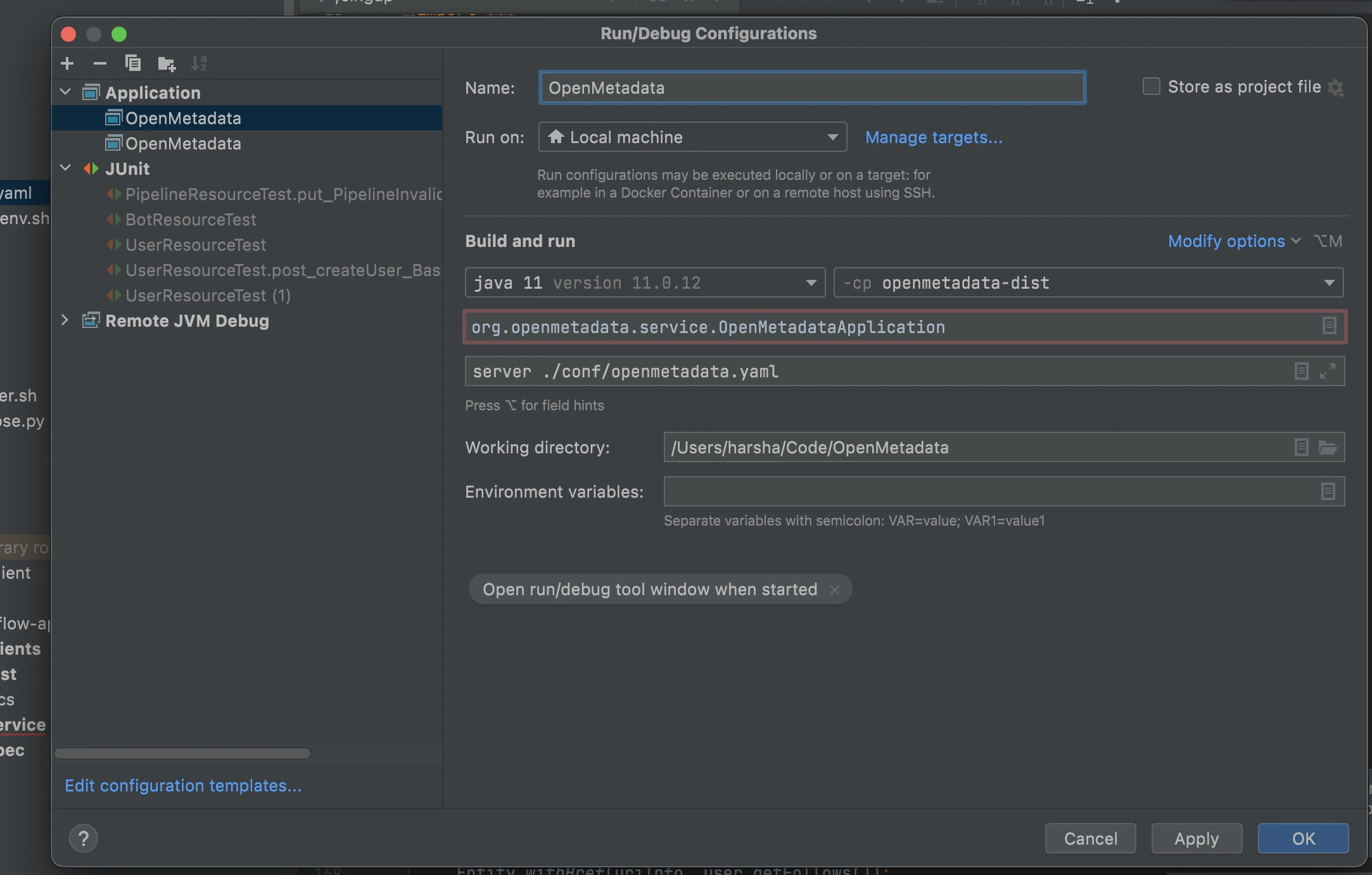
Add a new Run/Debug configuration like the below screenshot.- Click on Intellij - Run menu
- Click on “Edit Configurations”
- Click + sign and Select Application and make sure your config looks similar to the below image
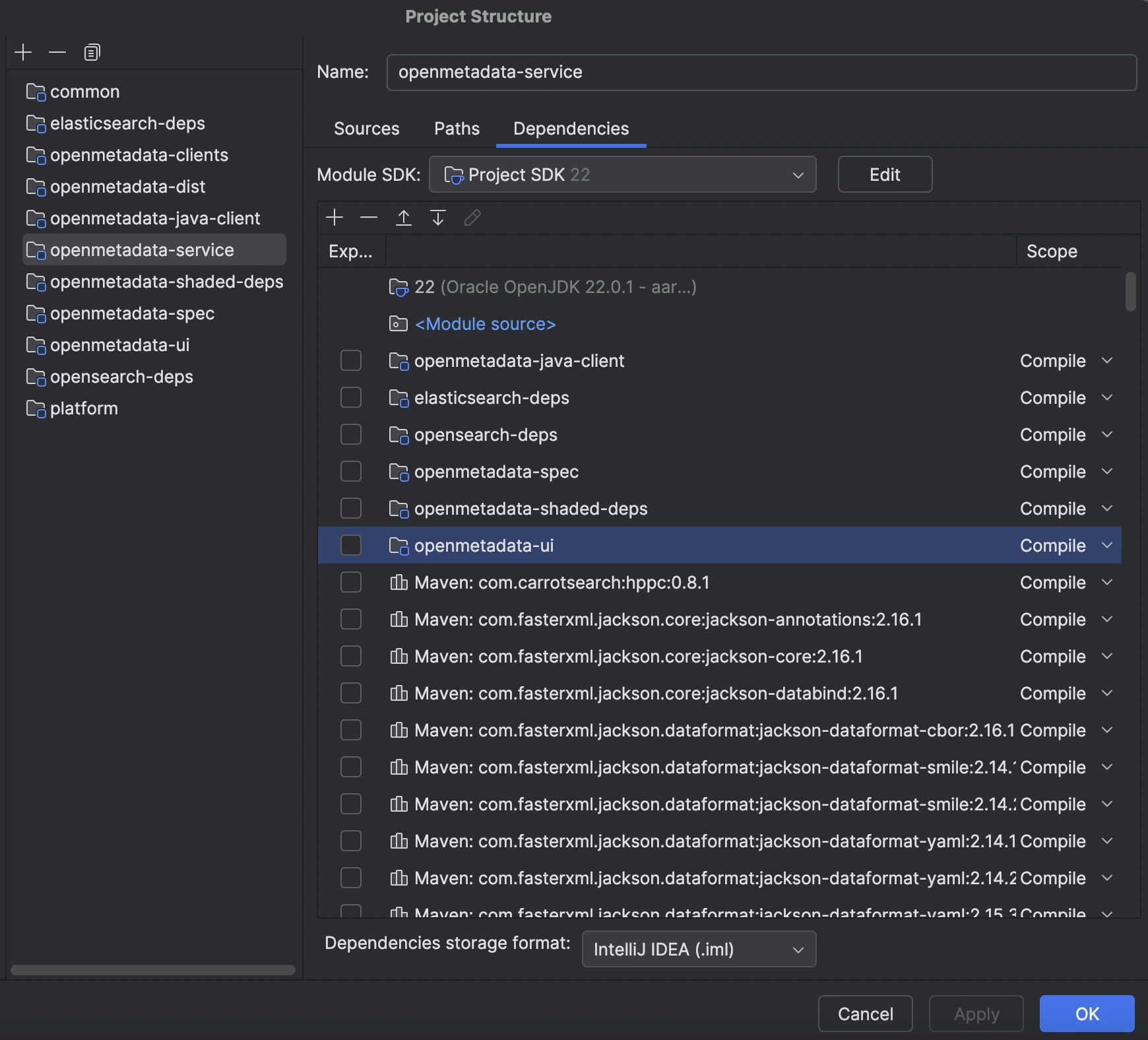
Add missing dependency
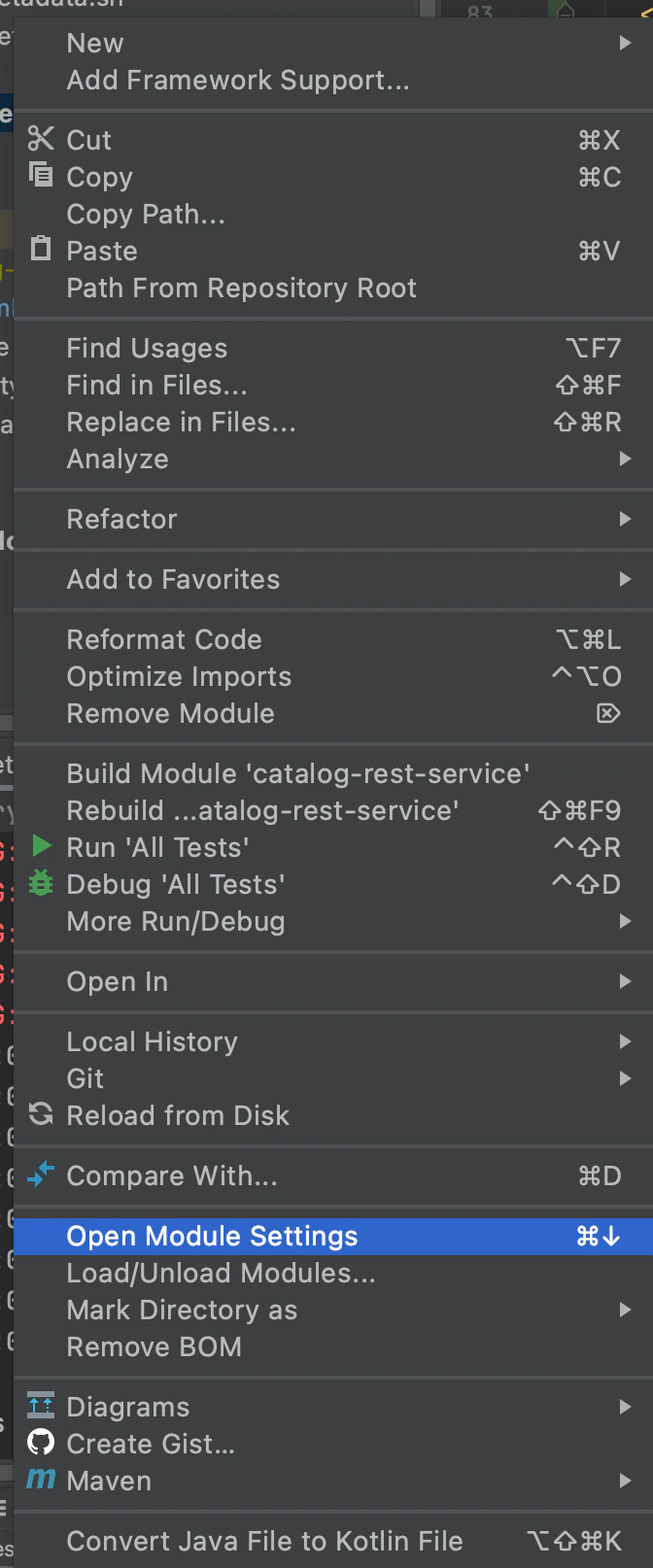
Right-click on openmetadata-service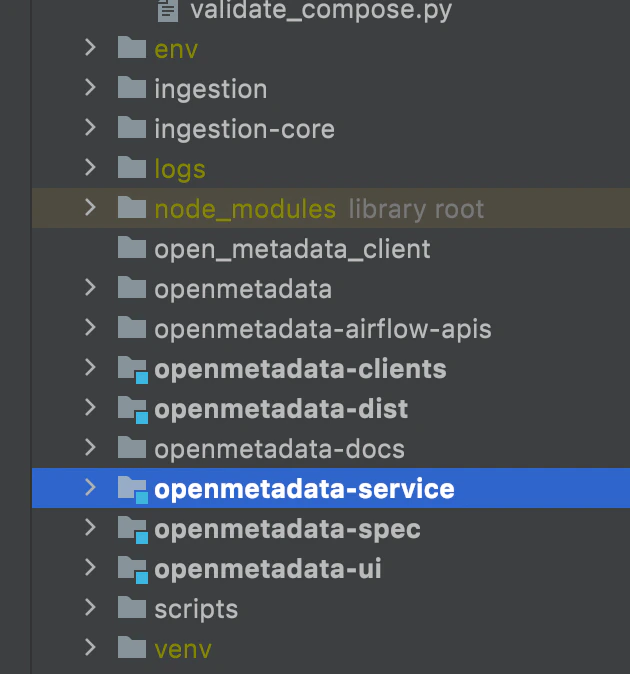
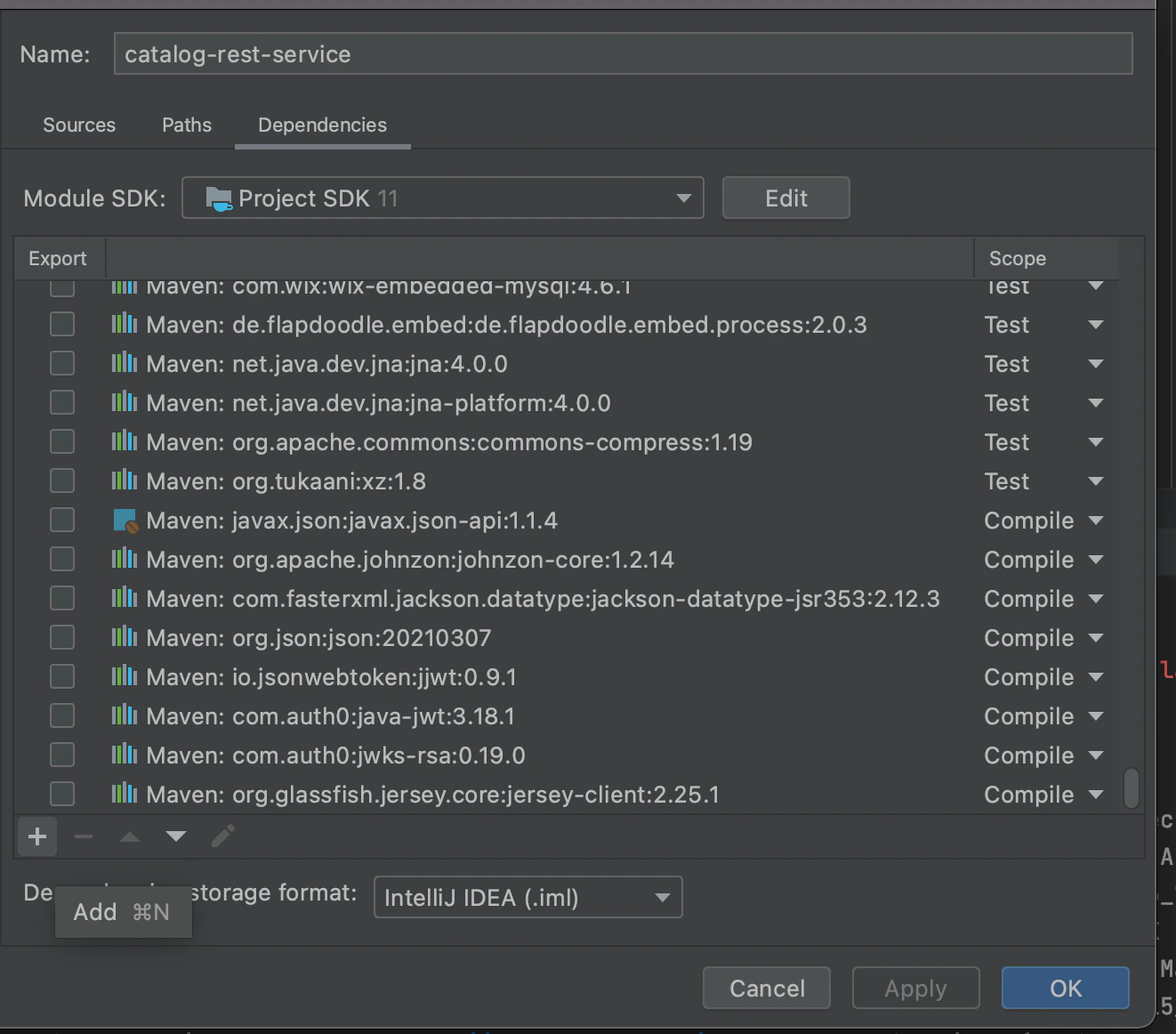


Load Sample Data into the database
With the OpenMetadata service up and running, run the following commands from the top-level directory- You are now ready to explore the app by going to http://localhost:8585 *If the web page doesn’t work as intended, please take a look at the troubleshooting steps here
Troubleshooting
- If you see blank page at http://localhost:8585, please check the logs at logs/openmetadata.log. You might be encountering one of the following errors:
connection refusedorunreachable- please confirm that MySQL and ES are reachable outside of docker by runningdocker psand checking that ports 3306 and 9200 are listening on 0.0.0.0- If ElasticSearch in Docker on Mac is crashing, try changing Preferences -> Resources -> Memory to 4GB
- If ElasticSearch logs show
high disk watermark [90%] exceeded, try changing Preferences -> Resources -> Disk Image Size to at least 16GB
Public Key Retrieval is not allowed- verify that the JDBC connect URL inconf/openmetadata.yamlis configured with the parameterallowPublicKeyRetrieval=true- Browser console shows javascript errors, try doing a clean build. Some npm packages may not have been built properly.
Coding Style
- Configure IntelliJ to disable the [wild-card imports] (https://www.jetbrains.com/help/idea/creating-and-optimizing-imports.html#disable-wildcard-imports)