Documentation Index
Fetch the complete documentation index at: https://openmetadata-feat-feat-2mbfixdeploy.mintlify.app/llms.txt
Use this file to discover all available pages before exploring further.
How to Change the Login Page & Nav Bar Logo and Favicon
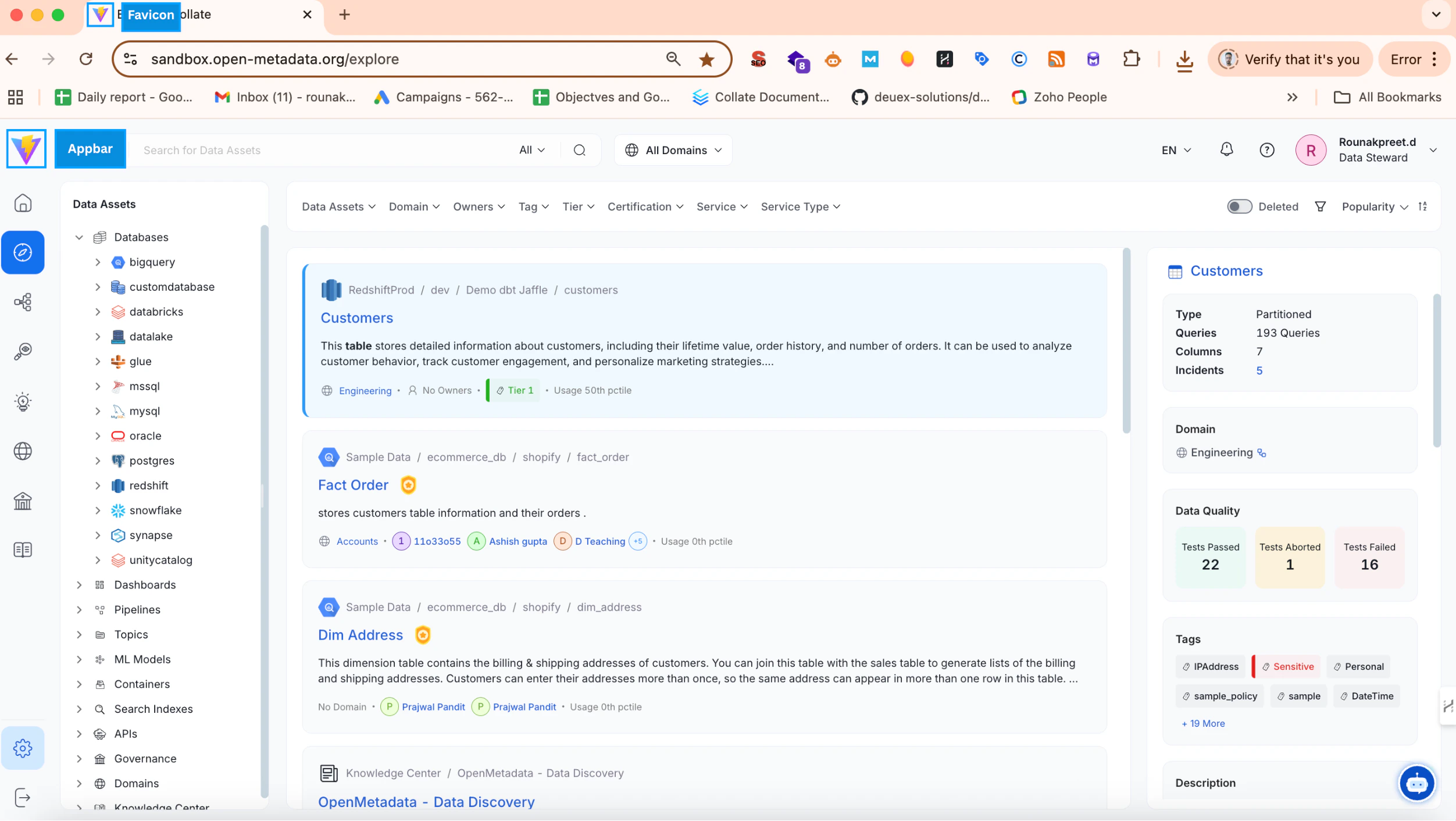
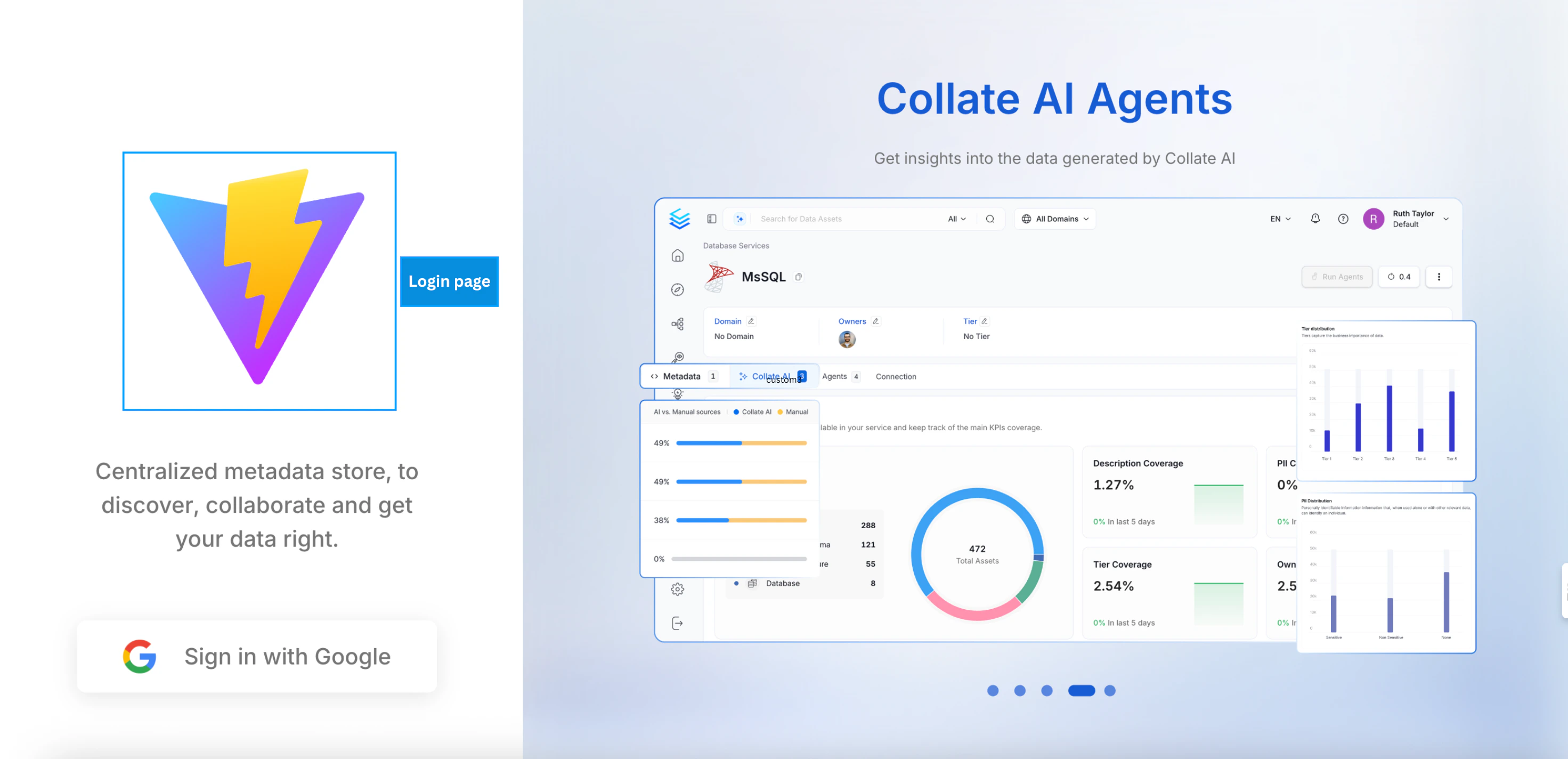
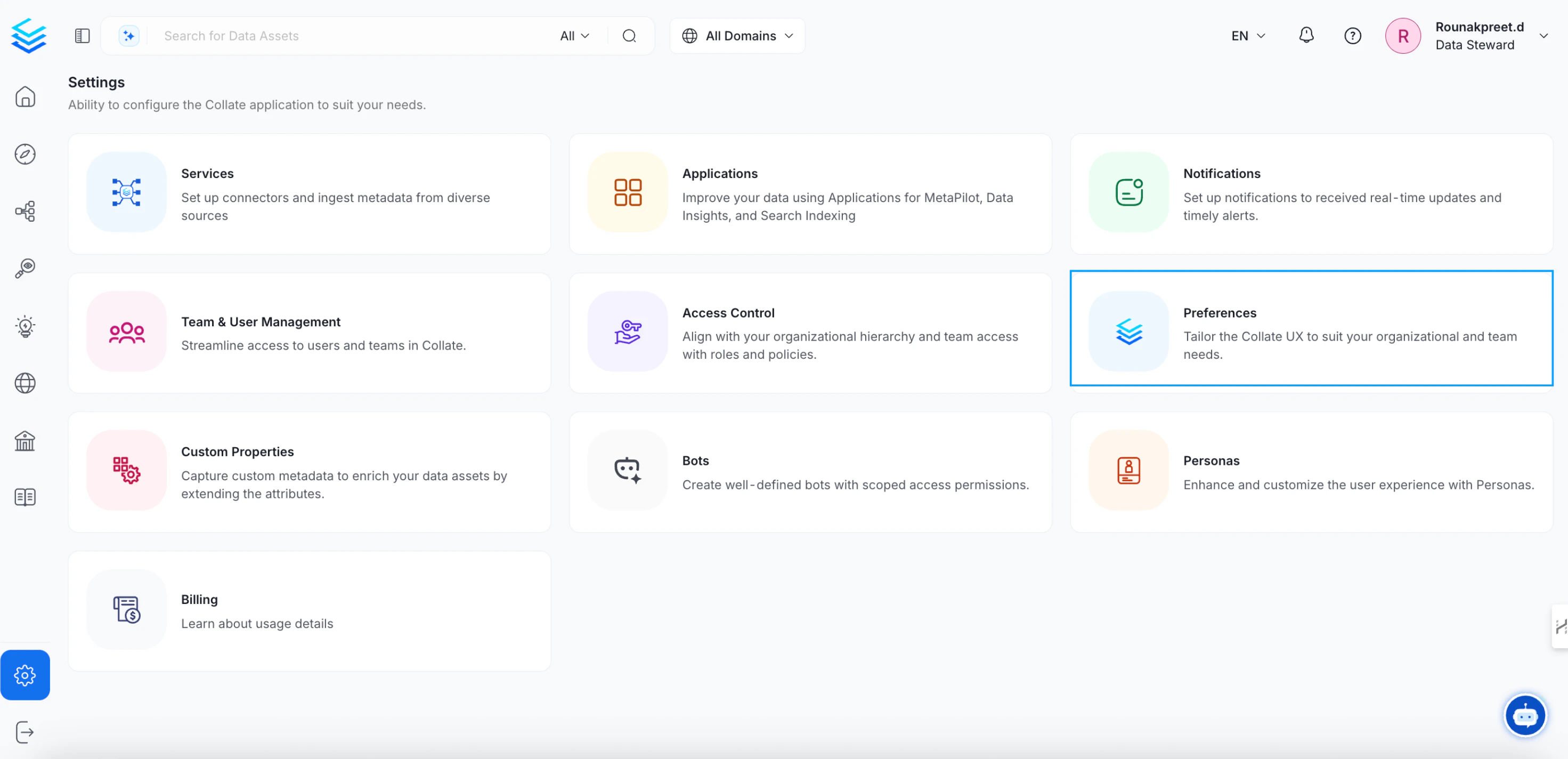
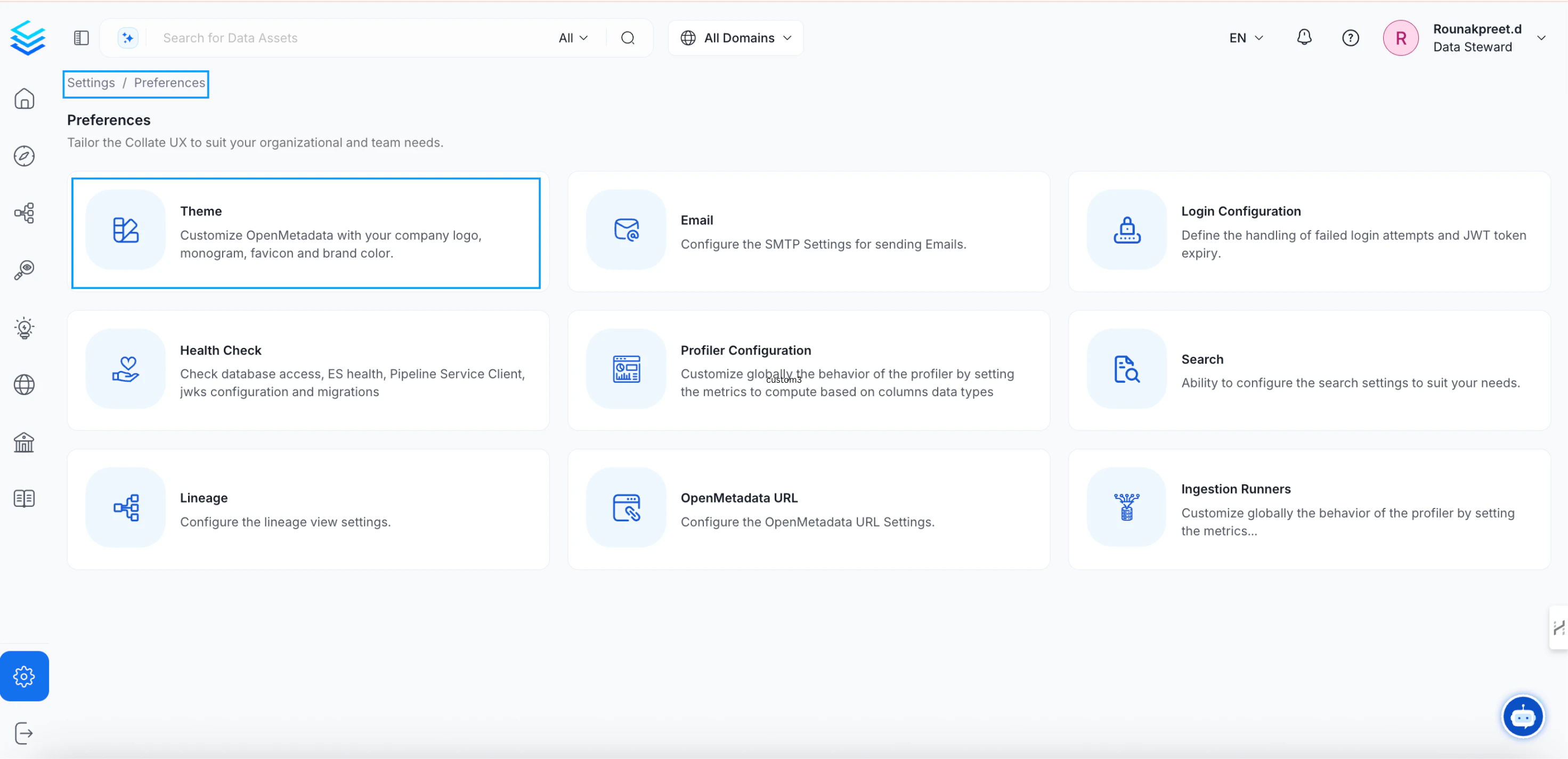
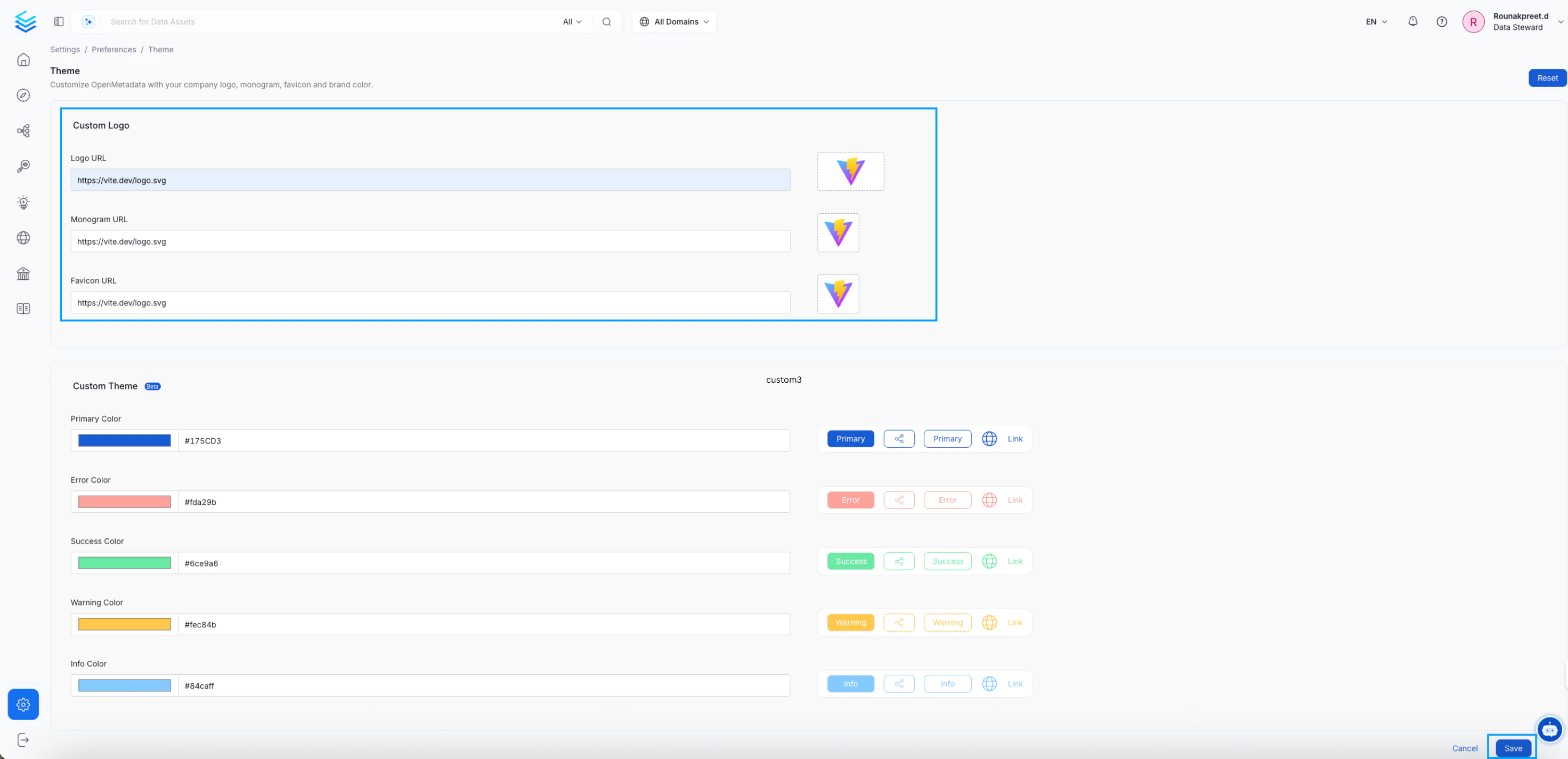
OpenMetadata allows you to customize the logo and favicons. In this guide we will see how to add custom logo and favicon.- Navigate to Setting >> Preferences >> Themes
Custom Logo url.
- Enter the values in the edit form and Save the changes.
- Monogram/Favicon: Use a 1:1 aspect ratio.
- Logo: Use a 16:9 aspect ratio.
- After saving the changes, refresh the page to view the updated logos and favicon.